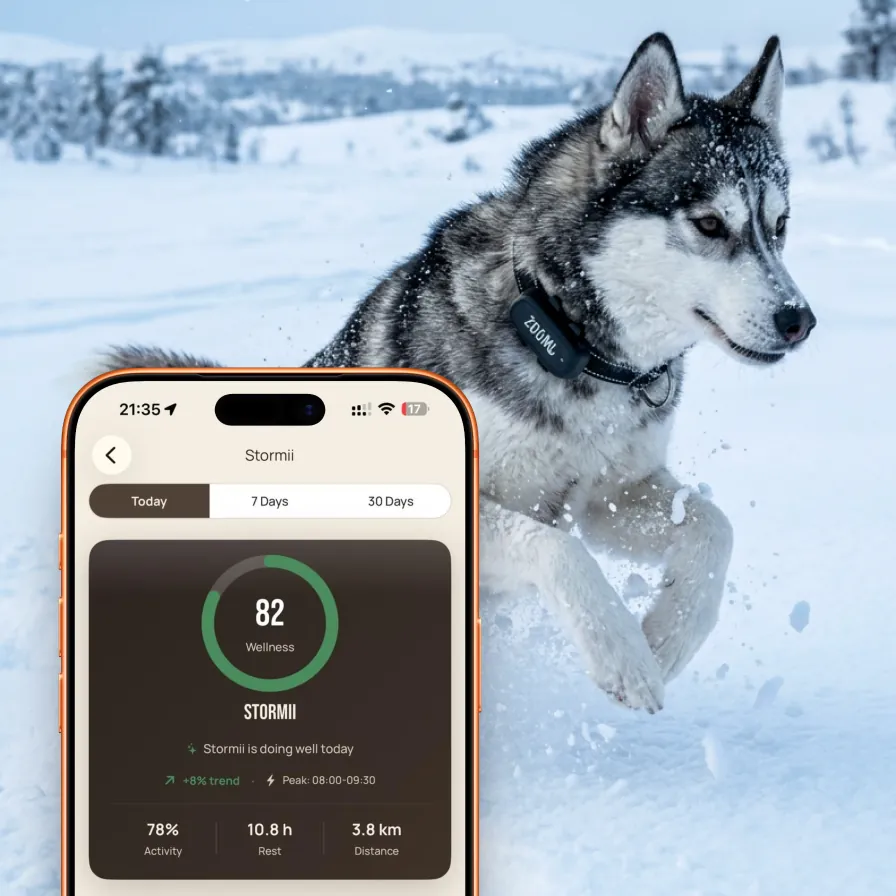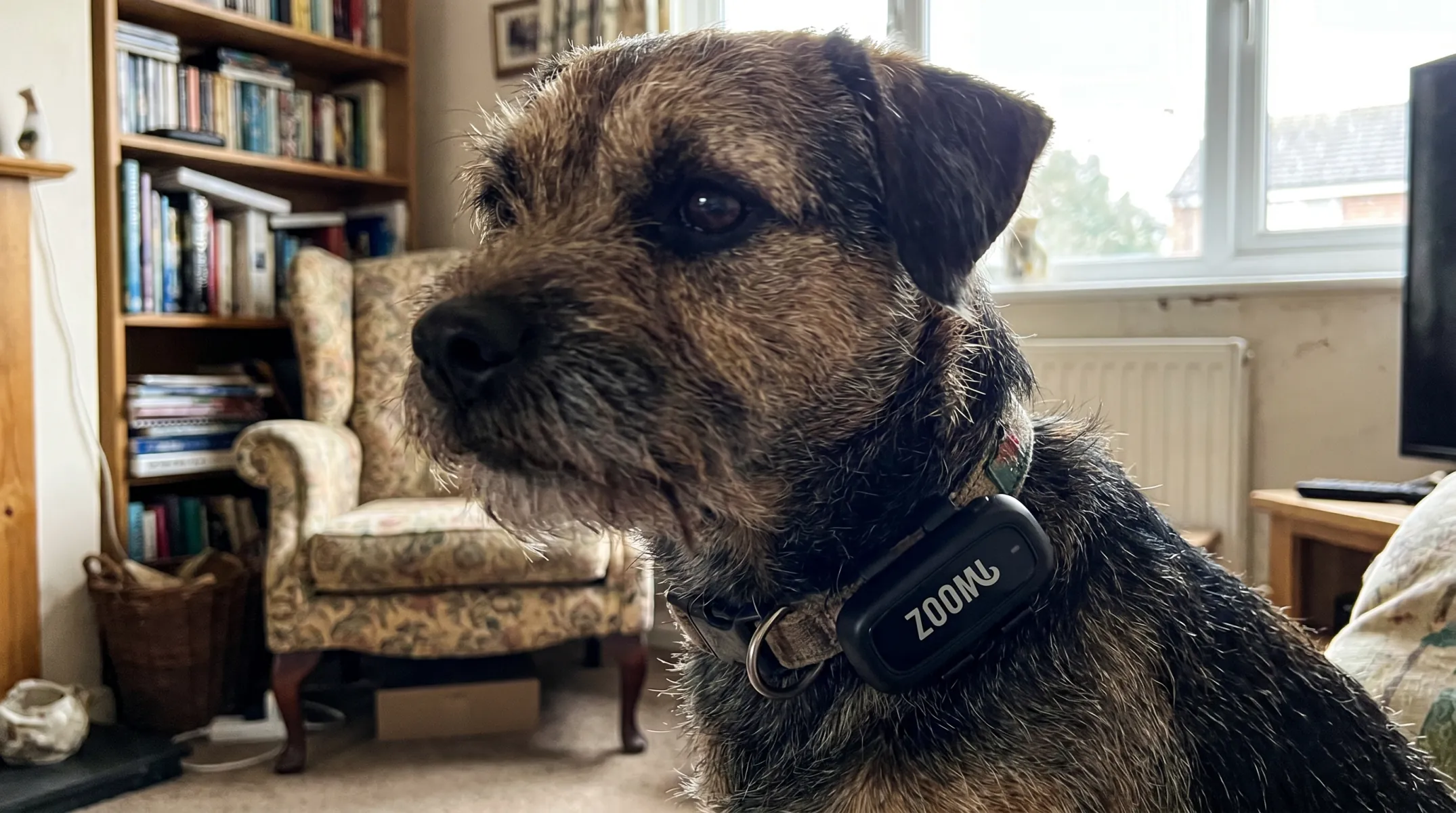
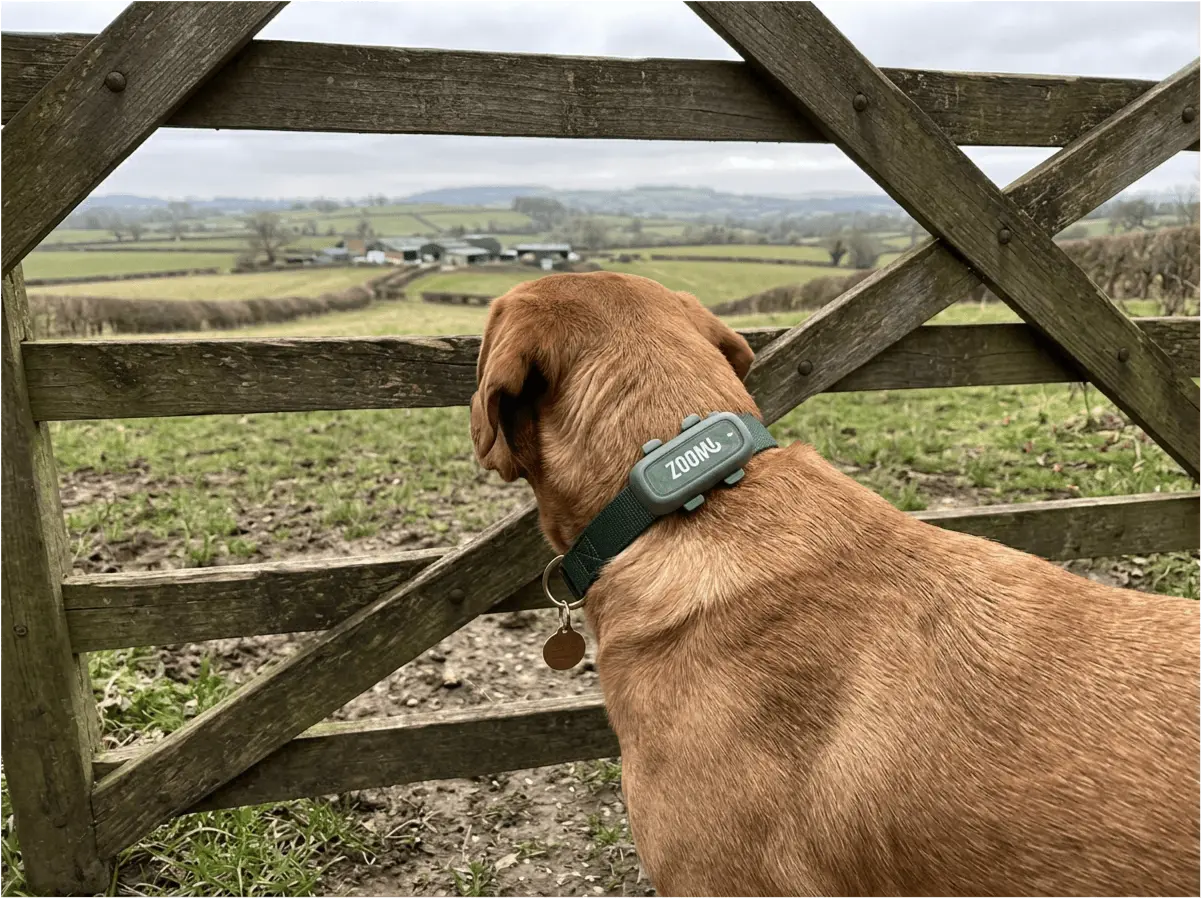
Some product updates deserve a quiet changelog entry. This one deserves a proper announcement: geofence alerts are now fully live in the Zoomi app for every ZoomiTag Health owner, on both iOS and Android, with full feature parity between the two. Draw a virtual boundary around any place on the map, and the moment your dog or cat crosses it, your phone knows — with the zone name, the direction they were heading, and their live position, seconds after it happens.
The timing could hardly be better. This month has been a case study in how British dogs go missing: a heatwave that left doors and gates standing open for airflow, followed by the thunderstorms that break it — the single weather event most likely to send a panicked dog over a fence. Both of our recent guides (keeping dogs cool and storm anxiety) end on the same point: escapes happen to careful owners, and the difference between a scare and a crisis is how quickly you find out. Geofencing exists to make that gap almost zero.
This post covers what a virtual fence actually is, every feature in the rollout, how to set up your zones well, and how geofencing compares to the electric "invisible fence" systems it's increasingly replacing.
What Is a Virtual Fence for Dogs?
A virtual fence — or geofence — is a boundary you draw on a map instead of build in the ground. Your dog wears a GPS tracker; the app watches their position against the boundaries you've drawn; and the instant a boundary is crossed, you get a push notification. No buried wire, no special collar hardware, no installation — the "fence" is software, which means it can be any size, any shape, anywhere in the world, and redrawn in seconds.
The crucial thing to understand — and we'd rather be straight about this than oversell it — is that a geofence is an alert system, not a containment system. Nothing stops, corrects, or touches your dog at the boundary. Your physical fence, lead, and training still do the containing. What the geofence transforms is discovery time: most lost-dog situations become serious in the gap between the escape and the owner noticing, which is routinely hours. A geofence shrinks that gap to seconds — while your dog is still one garden away and answers to their name, not three fields gone and hiding.
What's Live Today: The Full Feature List
Everything below is now available to every ZoomiTag Health owner on both platforms:
- Unlimited safe zones, all active at once. Create as many geofences as you need and run them simultaneously — a 20-metre circle around the garden, a 500-metre net around the neighbourhood, a 2-kilometre ring around the farm.
- Any size, any shape. Set a simple radius as tight or wide as you like, or draw a custom shape around an irregular property — an L-shaped garden, a field with a road on one edge, a campsite pitch.
- Named zones, so alerts explain themselves. Each zone carries its own name — "Back Garden", "Mum's House", "Cottage" — and that name appears in the notification, so you know exactly which line was crossed without opening a map.
- Instant alerts with direction of travel. The push notification tells you which zone was crossed, which way your pet was heading, and shows their current position — one tap and you're watching their live GPS track.
- Per-zone sensitivity control. GPS naturally drifts a few metres, especially near buildings and trees. Each zone has its own sensitivity setting so a dog dozing near the fence line doesn't ping you every ten minutes, while a genuine crossing still fires immediately.
- One-tap zone toggling. Heading out for a walk? Switch the garden zone off as you leave and re-arm it when you're home. Zones you only need sometimes — the boarding kennel, the holiday cottage — sit disabled until they're needed again.
- Full iOS and Android parity. Same zones, same alerts, same controls on both platforms — and zones sync to your account, so a family with one iPhone and one Android sees the same safe zones and gets the same alerts.
Alerts arrive as ordinary push notifications — you don't need the app open, any more than you need your messages app open to receive a text.
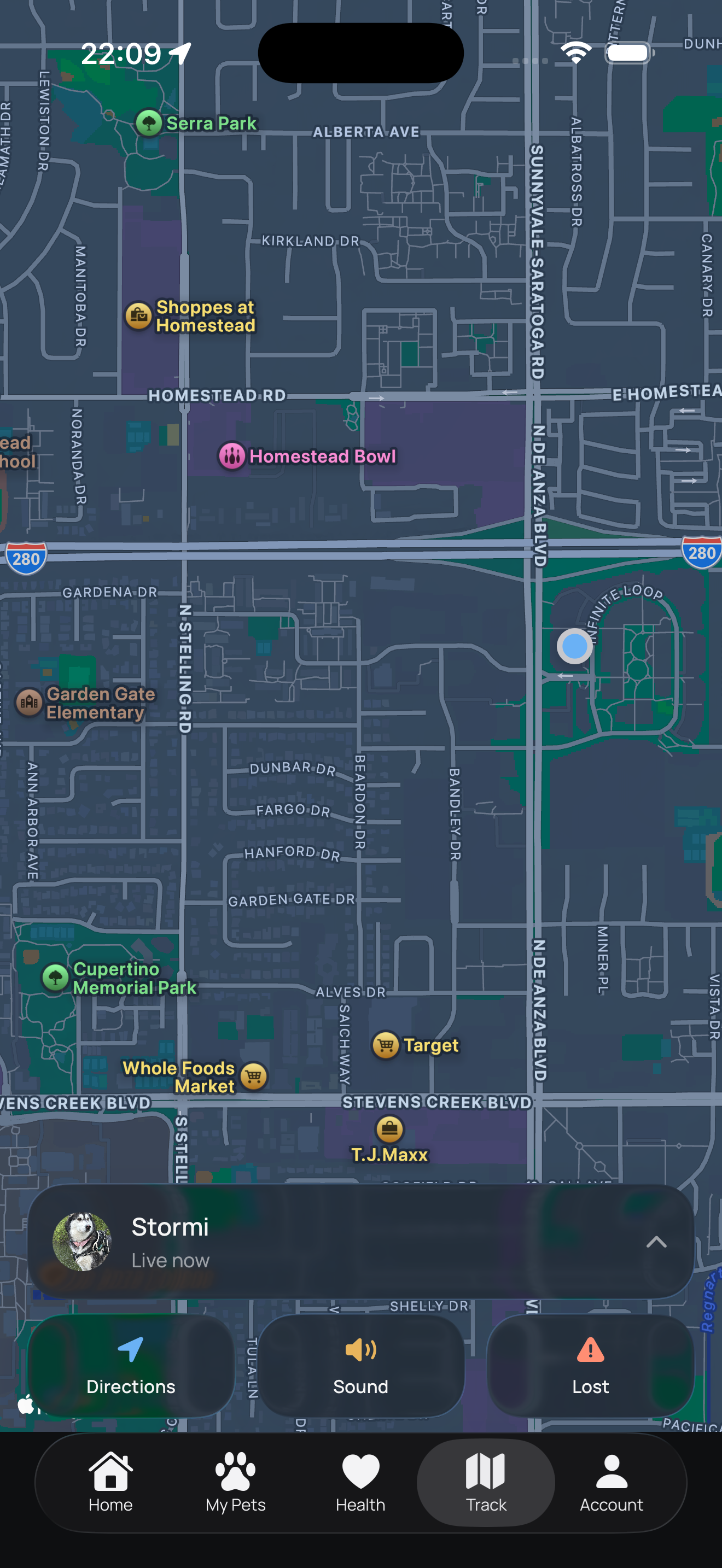
Setting Up Your First Safe Zone (Two Minutes)
The flow is deliberately simple:
- Open the map and find the place. In the Zoomi app, go to your pet's tracking view and choose to add a safe zone. Zoom to your garden, the park, wherever you want the boundary.
- Draw the boundary. Drop a circle and drag the radius, or trace a custom shape for awkward plots. One tip from our own testing: draw the line slightly inside hedges, walls, and buildings rather than exactly along them — it keeps GPS drift on the right side of the line.
- Name it and set the sensitivity. Give the zone a name you'll recognise in a notification, pick a sensitivity (start in the middle; nudge it down if you get drift alerts), and save. It's live immediately.
Then layer: the setup that catches the most escapes in practice is concentric zones — a tight garden zone that fires first and a wider neighbourhood zone as the backstop. If you get the first alert while making tea, your dog is thirty seconds away. If you somehow miss it, the second zone makes sure the escape can't stay unnoticed.
Where Owners Use It
| Zone | Typical Size | What It Catches |
|---|---|---|
| Garden boundary | 20–50m | The dug hole under the fence, the gate left ajar, the cat over the wall — the everyday escapes |
| Neighbourhood net | 300–800m | The backstop if the garden alert is missed; catches escapes before they become "genuinely lost" |
| Dog park | Park perimeter | Off-lead sessions — the squirrel chase that exits via the park entrance, flagged before the road |
| Holiday rental | Property line | An unfamiliar place your pet doesn't know their way back to — set up in the app in two minutes on arrival |
| Boarding kennel / sitter | Facility perimeter | An escape from the premises — you can know before the staff do |
| Farm / rural property | 0.5–2km+ | Dogs with legitimate room to roam — alerts at the road, the boundary, the neighbouring farm |
Geofence vs Electric "Invisible Fence": An Honest Comparison
Search for a virtual fence and you'll meet its older namesake: the electric containment fence — a buried wire that triggers a shock (marketed as "static correction") through a special collar when the dog approaches. They sound similar. They could hardly be more different:
| GPS Geofence (ZoomiTag) | Electric Containment Fence | |
|---|---|---|
| How it works | Alerts you when the boundary is crossed | Shocks the dog as it approaches the wire |
| Welfare | No aversives — nothing touches the dog | Aversive by design; banned outright in Wales and opposed by major UK welfare bodies |
| Installation | Drawn on a map in minutes; works anywhere | Buried wire; fixed to one property |
| Panic-proof? | Alert fires regardless of why the dog crossed | Fails when it matters most — an adrenalised dog runs through the shock, then gets shocked again trying to come home |
| After a crossing | Live GPS tracking to the dog's exact position | Nothing — the system has no idea where the dog went |
| Travels with you | Yes — holidays, sitters, kennels | No |
The fair caveat cuts both ways: a containment fence tries (imperfectly, and at a welfare cost) to stop the escape; a geofence guarantees you know about it. Our position is that a solid physical fence plus a geofence beats both — the fence does the containing without electricity, and the geofence covers the failure modes every physical barrier has.
Almost never through negligence — a gate left ajar by a delivery driver, a startled bolt, a gap under the hedge nobody knew about. Prevention matters, but so does assuming it will one day fail: the owners who recover pets fastest are the ones who find out fastest. That's the entire design brief behind geofence alerts — and if the worst does happen, our lost pet recovery guide covers the first hour step by step.
How to Get Geofence Alerts
Geofence alerts are part of ZoomiTag Health, our 4G GPS tracker — they need live location, which the scan-to-identify smart tag alone can't provide (here's how the two compare). If you already own a ZoomiTag Health: update the Zoomi app, open your pet's tracking view, and your safe zones are waiting — no new hardware, no extra subscription, it's included in your existing plan. If you don't: ZoomiTag Health is £44.99 + £49/year, which covers the 4G connectivity, live GPS tracking, activity and sleep monitoring, and now unlimited geofence zones on iOS and Android.
Draw Your First Safe Zone Today
Geofence alerts are live now for every ZoomiTag Health owner — unlimited named zones, instant boundary alerts with direction of travel, and one-tap live tracking, on iPhone and Android.
About Geofence AlertsFrequently Asked Questions
A boundary you draw on a map in an app rather than build in the ground. Your dog wears a GPS tracker, and the moment their position crosses the line you've drawn, you get an instant notification with the zone name, direction of travel, and their live location. No buried wire, no collar shocks — it doesn't physically stop your dog; it makes sure you know within seconds instead of hours.
No — by design. Nothing touches or corrects your dog at the boundary; containment stays the job of your real fence, lead, and training. What the geofence changes is discovery time: escapes become serious in the hours between the event and the owner noticing, and a geofence closes that gap to seconds, while your dog is still within calling distance.
They're fundamentally different: an electric containment fence shocks the dog at a buried wire — an aversive approach banned in Wales and opposed by major welfare organisations — and fails silently when a panicked dog runs straight through it. A geofence never touches the dog, alerts you instead, needs no installation, travels with you, and hands you live tracking after a crossing. A good physical fence plus a geofence beats both.
Unlimited, all active simultaneously, and layering is the intended use: a tight garden zone that fires first, a wider neighbourhood net behind it, and situational zones (kennel, holiday cottage) toggled on when needed. Each has its own name, sensitivity, and on/off switch.
Yes — as of this rollout the feature is fully live on both, with identical functionality, and zones sync across your account so mixed-device households see the same safe zones and alerts. You don't need the app open; alerts arrive as push notifications.
Positions come from the ZoomiTag Health GPS, typically accurate to a few metres in the open. Because GPS drifts slightly near buildings and trees, each zone has an adjustable sensitivity control that filters drift without delaying genuine crossings — and drawing boundaries slightly inside hedges and walls keeps drift on the right side of the line.