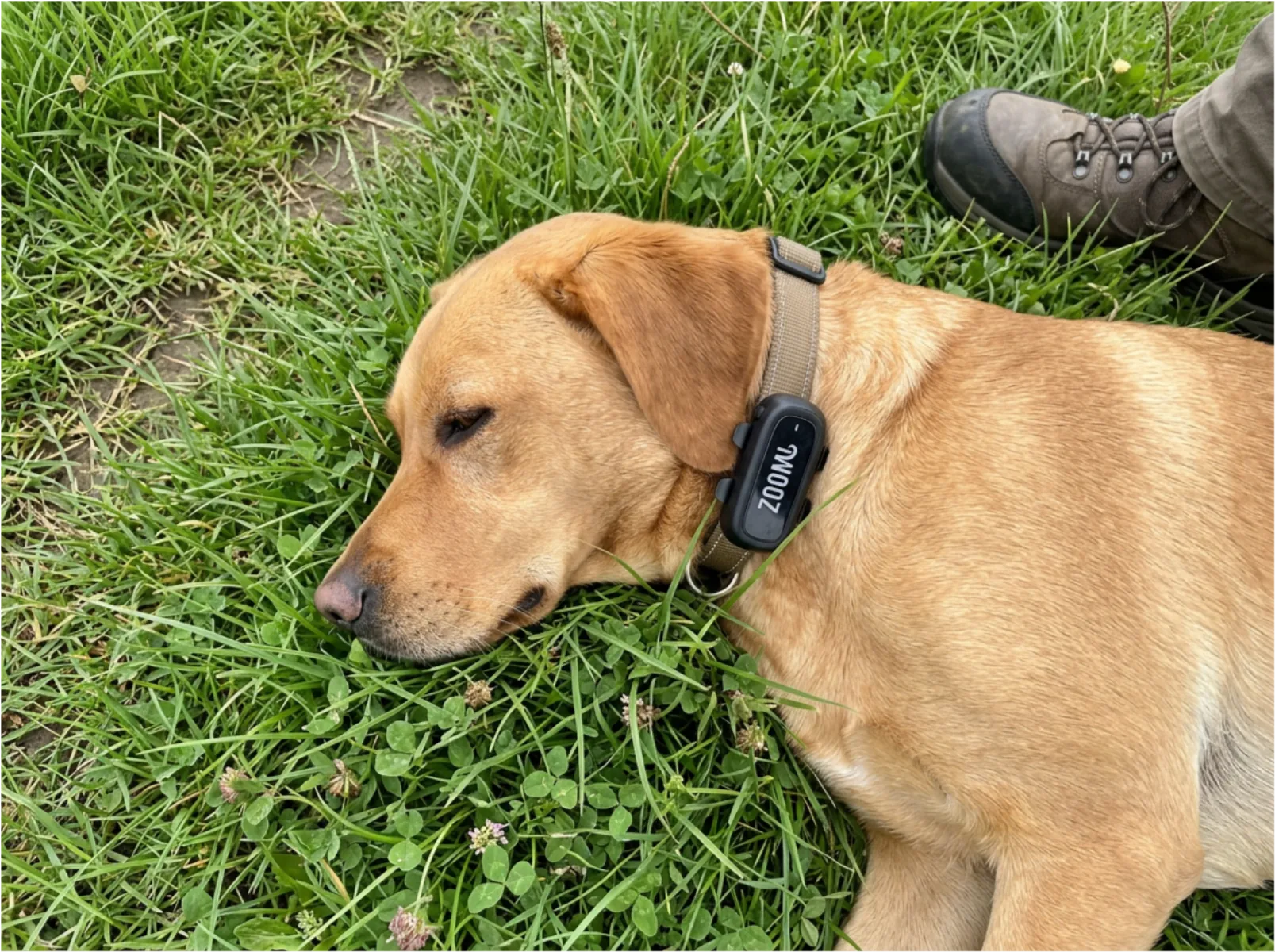
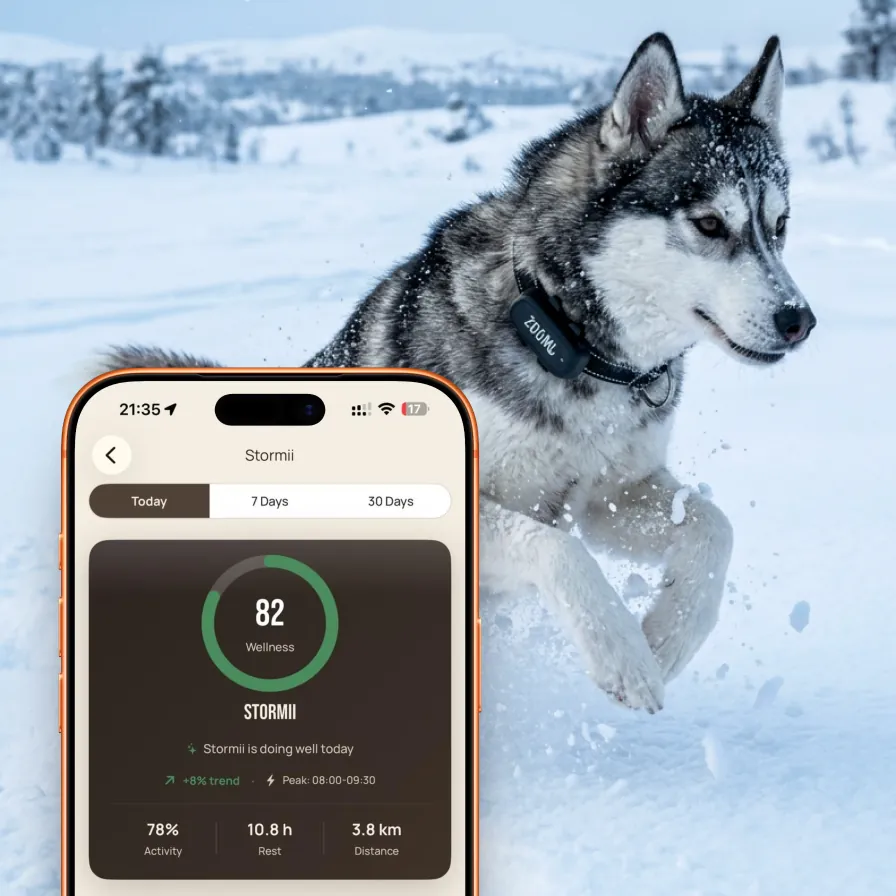
A digital pet profile is the technology that turns a stranger finding your pet into a reunion call within minutes. When it works, it's extraordinary — a neighbour taps their phone against your dog's tag and your number appears instantly, no app required, no friction.
But when a profile is set up poorly, that same scenario plays out very differently. The photo doesn't look like your dog anymore. The phone number goes to an old handset that's been disconnected. There's no medical information for the vet who picks up your cat. The finder tries the number twice, gets no answer, and takes your pet to a shelter instead.
The profile is only as good as the information it contains. Here are the ten most common mistakes — any one of which can introduce critical delay or failure in an emergency — and exactly how to fix each one.
The 10 Mistakes
1. Using an Old or Blurry Photo
The photo on your pet's profile serves one critical purpose in an emergency: giving a finder visual confirmation that they have the right animal. A photo from two years ago — when your dog was a puppy, before they developed a grey muzzle, before their fur was cut differently — creates doubt. A dark, blurry, or distant photo does the same.
Doubt slows reunions. A finder who isn't certain they have the right animal is less confident about calling you, and a shelter intake worker cross-referencing descriptions against missing reports relies heavily on photo matching.
The fix: Update your pet's profile photo every six months, or immediately after any significant appearance change (post-groom, weight change, new collar). Use a recent photo in good natural light that clearly shows your pet's face, coat colour, and any distinctive markings. A portrait shot is more useful than a wide action photo.
2. No Emergency Backup Contact
If your pet goes missing on the one day your phone battery is dead, you're abroad, or you're in a meeting that's gone into three hours without a break, a single contact number is a single point of failure. Finders try once, maybe twice, and move on.
This is the most dangerous gap in most profiles — and the easiest to fix.
The fix: Add a second contact: a family member, close friend, or neighbour who is reliably reachable during the day. Brief them that they're listed, so they know to take a call from an unknown number seriously. If you travel frequently for work, consider making your backup contact someone with a predictable daytime availability.
3. Leaving the Medical Section Blank
A blank medical section seems harmless — most people assume finders won't read it. But the finder who matters most in a medical context isn't a neighbour: it's the vet who picks up your cat from the street, or who receives your dog from a well-meaning stranger, and needs to make treatment decisions quickly.
A known allergy to a common antibiotic. A heart condition that rules out certain sedatives. An ongoing medication that interacts with standard pain relief. These aren't rare situations — and an empty medical section means a vet proceeds without information they should have.
The fix: Fill in the medical section completely, even if your pet has no known conditions. "No known conditions, no current medications, no known allergies" is valuable information. It tells a vet they're not missing something. For pets with health history, include the name of your vet and their contact number — a treating vet can call your vet for a full history far faster than you can be tracked down.
Yet most profiles are set up in 60 seconds and never updated again. The 90 extra seconds spent filling in medical details, adding a backup contact, and writing behavioural notes could be the difference between a fast reunion and a delayed one.
4. Not Including Behavioural Notes
A dog that bites when anxious. A cat that scratches when picked up by strangers. A rescue dog that bolts if you call their name because it triggers an old trauma. A dog that responds immediately to a specific whistle.
Finders are well-meaning — but they're strangers to your pet. Without behavioural guidance, they approach your nervous dog the wrong way and it runs again. They try to carry your cat and get badly scratched. They call the dog's name loudly, which causes it to hide.
The fix: Write two to four sentences of practical finder guidance. Focus on: how the pet responds to strangers (nervous, friendly, may run), whether it should be approached slowly, whether there are specific triggers to avoid, and anything that helps (a specific command, a food reward, a familiar squeaky toy sound). This section costs nothing to write and can make a significant difference in how a stranger handles your pet.
5. Using a Number That Doesn't Work When You Travel
Your UK mobile works perfectly at home. But if you're on a two-week holiday in the EU or further afield, that number may not receive calls from UK numbers in the way a finder would expect, or you may have a local SIM in your phone. The number on your pet's profile is the one a finder will call at 11pm when they've found your dog three streets from home.
The fix: Use a number you carry with you everywhere and that always works. If you change SIMs when travelling, update your profile before you leave — or ensure your backup contact is someone reliably at home during your trip. Some pet owners add a note to their profile during travel: "Owner currently abroad — please call [backup contact name] first."
6. Never Testing Whether the Tag Actually Scans
This sounds almost too basic to mention — and yet it's surprisingly common. A tag is added to a collar. The profile is set up. The tag is never tested. Six months later, the tag has been scratched against fencing until the QR code is illegible, or the NFC chip has been damaged by a hard impact, and no one knows.
The fix: Test your tag when you first set it up, and again every two to three months. Tap it with your own phone and scan the QR code. Confirm the profile loads correctly, the photo is current, and the contact details are right. This takes thirty seconds and guarantees the tag actually works when needed.
7. Forgetting to Update After Moving or Changing Number
An engraved tag with the wrong phone number is useless. A digital profile with the wrong phone number should be better — but only if you actually update it. Moving house, changing phone contracts, switching to a new SIM: each one is a life event where the profile should be updated the same day.
The fix: Create a calendar reminder — "Update Zoomi profile" — triggered by any life event that changes contact details or location. At a minimum, review the profile every six months regardless of whether anything has changed. It takes two minutes and the consequences of not doing it are significant.
8. Not Writing a Physical Description
Profiles with only a photo assume the tag will always be present. But collars come off. Tags break or fall. A finder who cannot scan a tag and is trying to describe a found dog to a shelter or to you on the phone needs words, not just a photo they can't show you.
A description like "black Labrador, white star-shaped mark on chest, orange collar, female, approximately 25kg" allows a shelter worker, a vet, or a neighbour on the phone to make a confident identification without visual confirmation.
The fix: Add a written physical description to your pet's profile. Include breed, colour, weight, sex, neutered or intact, any distinctive markings (scars, patches, asymmetric features), and the current collar colour and style. Update it if they change significantly.
9. Making the Profile Too Private
Privacy controls on a digital profile exist for good reasons — you don't necessarily want strangers seeing your home address, your full legal name, or your pet's complete veterinary history. But some owners lock down so much information that the public-facing profile is almost empty: just a pet name and a first name initial.
A finder trying to return your pet needs enough information to act. If your contact number is hidden, they can't call you. If there's no photo, they can't confirm it's your pet. If there are no behavioural notes, they don't know to approach slowly.
The fix: Review your public profile from a finder's perspective. Ask: if I found this animal and scanned this tag, would I have everything I need to return it quickly and safely? Your mobile number, a recent photo, a basic description, and brief behavioural notes should always be publicly visible. Reserve privacy restrictions for information that genuinely requires it (medical details, home address) — and even then, consider who needs that information in an emergency.
10. Setting It Up Once and Never Revisiting It
The most pervasive mistake of all. A profile set up on the day you get a new puppy or adult rescue — with the excitement of a new pet, the rush of a hundred other tasks — and never touched again. The puppy photo stays when the dog is four years old. The first phone number you ever had stays when you've switched contracts twice. The medical section stays blank because there was nothing to put in it then.
A digital profile is not a one-time task. It's a living record that should track your pet's actual life. The difference between a profile that was set up correctly once and never updated, and one that gets a brief review every six months, is the difference between a profile that works in an emergency and one that introduces confusion and delay.
The fix: Set a recurring six-month calendar reminder: "Review Zoomi profile." Spend five minutes checking the photo, the contact details, the medical section, and the physical description. Make any updates. Close the tab. Done.
Ready to build a profile that actually works?
ZoomiTag makes it easy — a complete digital profile, NFC + QR access, and instant finder contact. Setup takes under two minutes and the tag lasts a lifetime.
The Complete Profile Checklist
Use this checklist to audit your pet's current profile — or to build a new one correctly from the start.
| Section | What to Include | Done? |
|---|---|---|
| Photo | Recent, clear, face visible, taken within the last 6 months | ☐ |
| Pet name | The name they respond to (call name, not registered name if different) | ☐ |
| Primary contact | Your current mobile number, displayable as a one-tap call | ☐ |
| Backup contact | A reliably reachable second person with name and mobile number | ☐ |
| Physical description | Breed, colour, sex, weight, markings, current collar colour | ☐ |
| Medical notes | Conditions, medications, allergies, or "none known" if applicable | ☐ |
| Vet contact | Practice name and phone number | ☐ |
| Behavioural notes | How to approach, known triggers, useful commands or rewards | ☐ |
| Dietary notes | Allergies, feeding schedule, or important dietary restrictions | ☐ |
| Tag scan test | Confirmed NFC and QR both load the profile correctly | ☐ |
| Review date | Set a 6-month calendar reminder to review all sections | ☐ |