QR code won't scan
Hold the tag steady in good lighting, about 15 cm from the camera. If it still won't read, just type the serial number printed underneath the QR code instead — that activates the tag the same way.

Download the Zoomi app, scan your tag, and add your pet's details. That's it.


Get the Zoomi app from the App Store or Google Play. Sign up with your email, verify it, and you're in — everything is managed from the app.
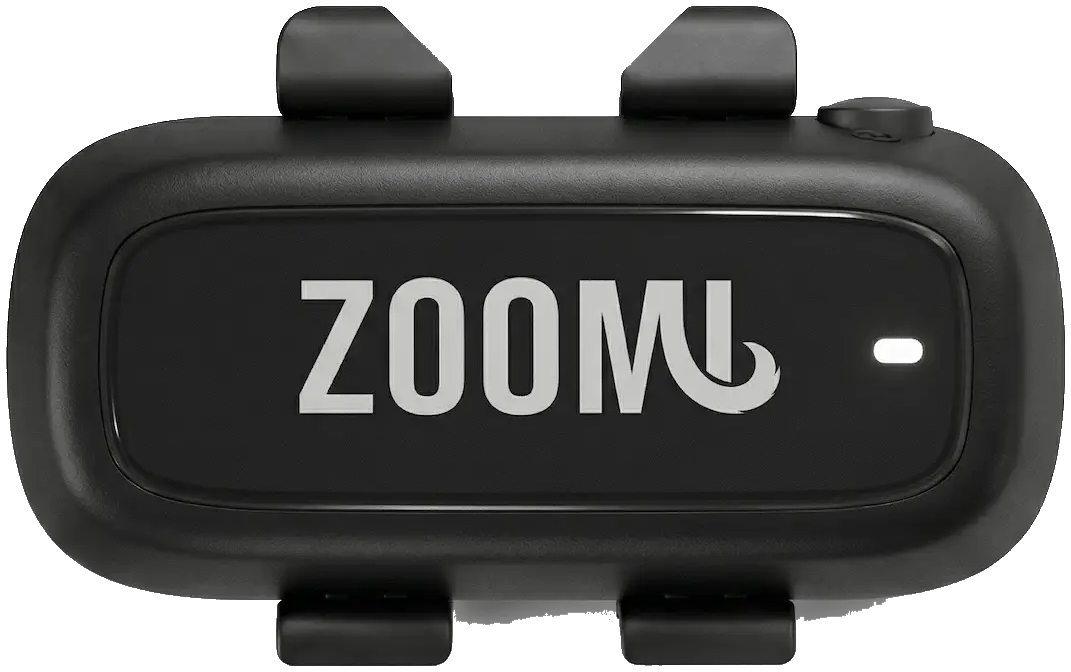
Before you connect, switch the tag on: press and hold the power button for 3–5 seconds until you hear a double beep. The tag then stays on — there's no need to switch it off again.
Tap to activate, then scan the QR code on the back of your ZoomiTag — or type the serial number printed underneath it. This links the tag to your account.
ZoomiTag Health uses a built-in cellular connection for live GPS, sleep, and activity. The £49/year subscription powers it and unlocks every Health feature. Cancel anytime.
Add your pet's name, photo, breed, age, and weight, then fill in emergency contacts, medical details, and behavioural notes. Assign the tag to your pet to finish.
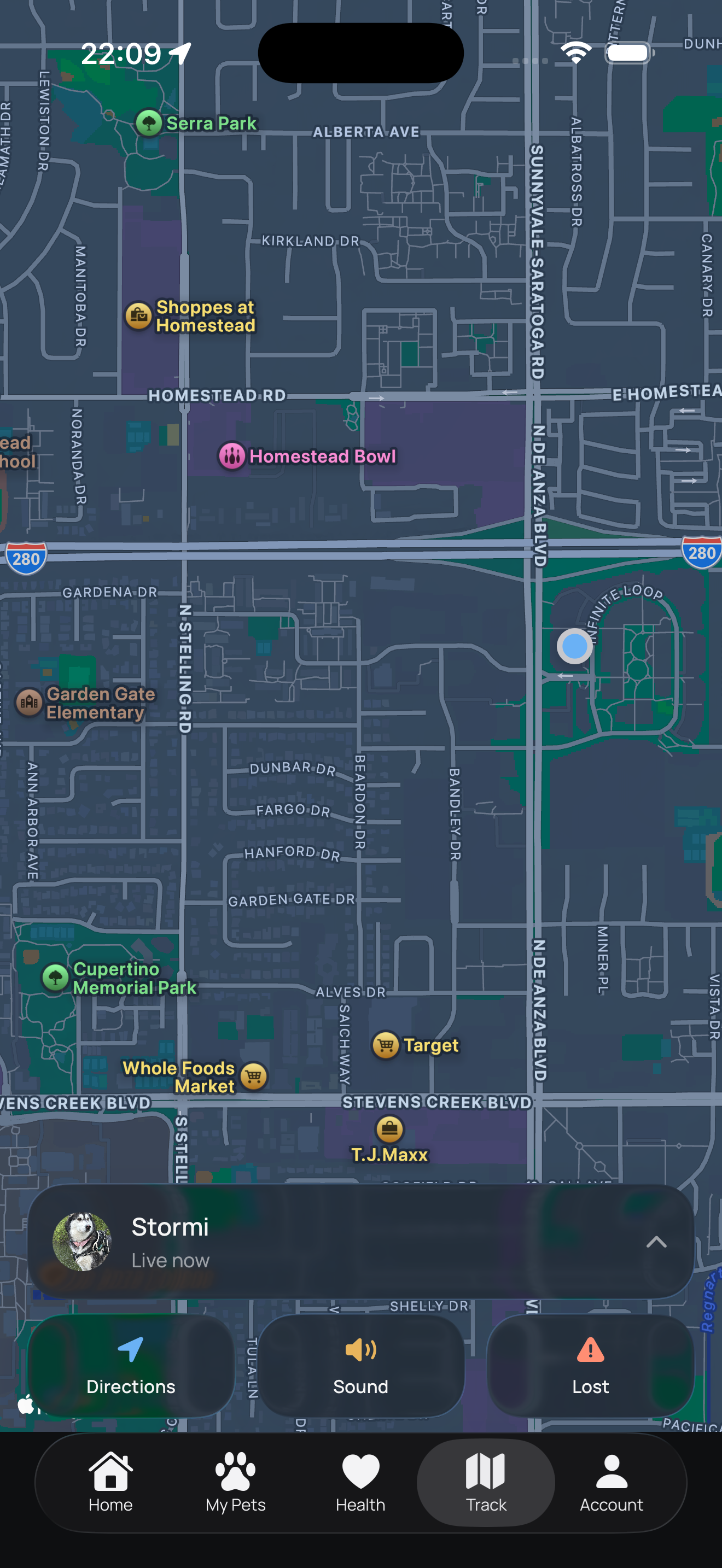
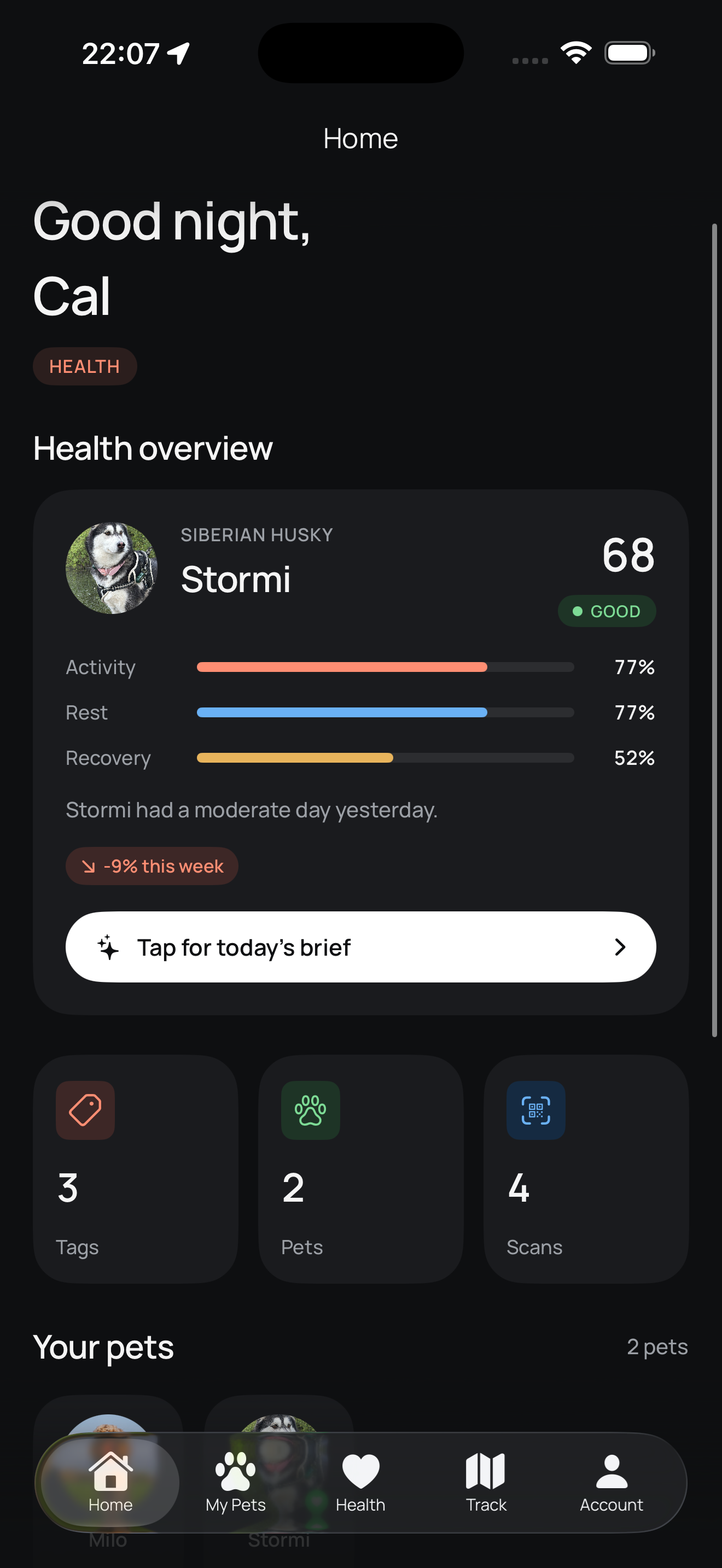
Give your tag around 24 hours to gather enough activity and sleep data before everything appears. Just like in the app, we hold off on showing wellness insights until there's enough to be accurate — so leave the tag on your pet and check back tomorrow. Live GPS tracking is the exception: it's up and running within about 10 minutes of activation, so there's no need to wait for that.
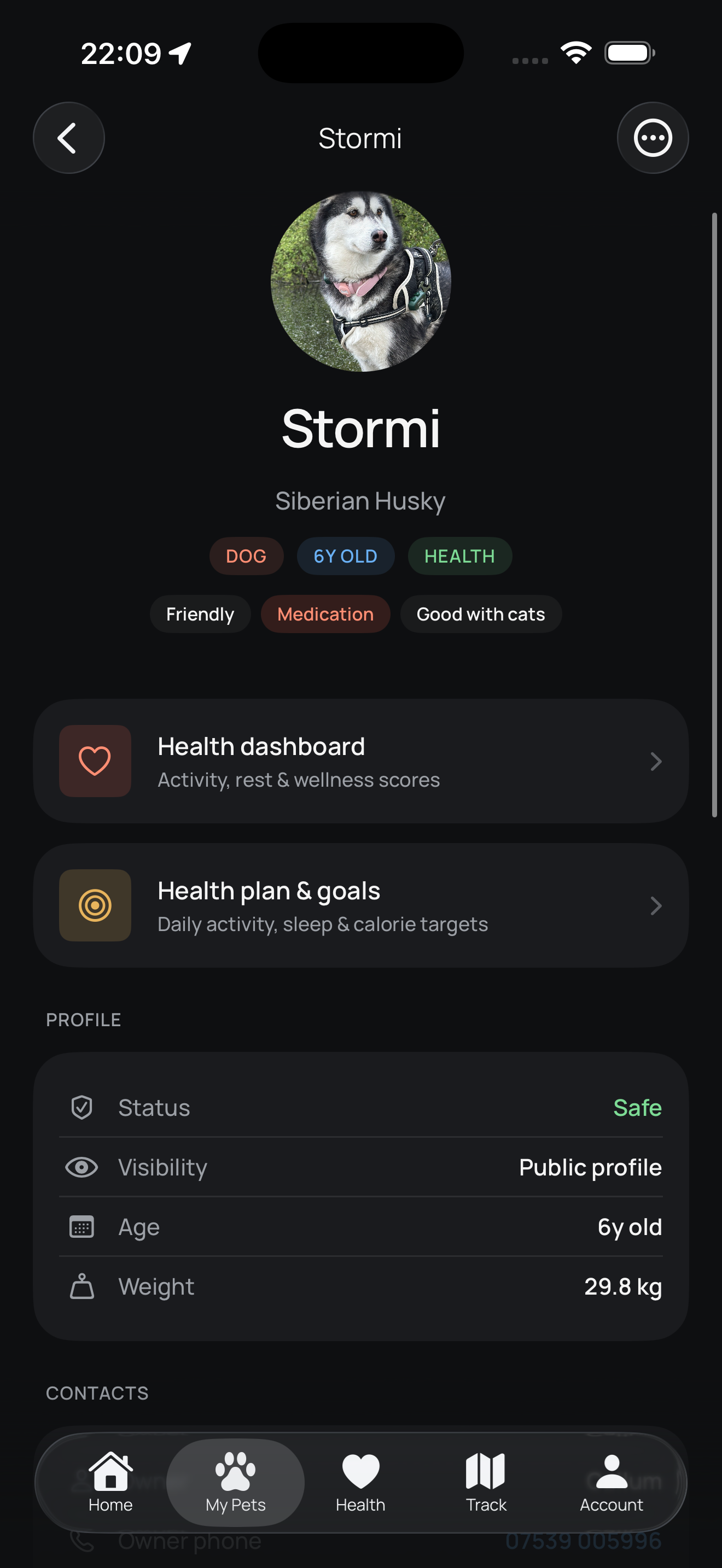
A great profile gives finders, vets, and carers everything they need at a glance. We've put together a detailed guide on exactly what to include and why each piece of information matters.
Hold the tag steady in good lighting, about 15 cm from the camera. If it still won't read, just type the serial number printed underneath the QR code instead — that activates the tag the same way.
Double-check you've entered the full code exactly as printed. Brand-new tags can take a moment to register, so wait and try once more. If it keeps failing, email hello@zoomitag.com with your serial number.
Live GPS, activity, and sleep unlock once your Health subscription is active. If you've just subscribed and the app still shows them locked, give it a minute, then reopen the app to refresh your account.
Seeing a "subscription required" or "no active subscription" message? Your ZoomiTag Health plan either hasn't been started yet or has lapsed. Manage or start your subscription to restore live GPS, activity, and sleep — once it's active, reopen the app to refresh.
Get your ZoomiTag and complete this setup in minutes.